3.2 Define the variable names
At the top of each column (that is: above, but not in, Row 1!) is the name of the variable. When you double click on the column headings (Fig. 3.1), information about the variables can be set (Fig. 3.2).
First, give the data a useful name. This name is what is used in plots and tables, for example.
Then you can tell jamovi information about the variables, such as whether the data are nominal, ordinal or ‘continuous’ (which is what jamovi calls all quantitative variables…), and the levels of the nominal and ordinal variables.
The information about the variables must be correctly set up before analysis.
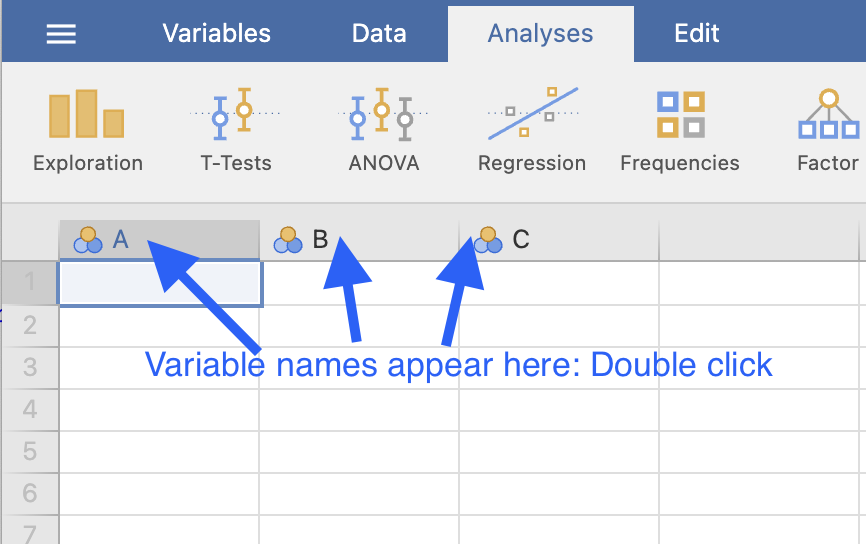
FIGURE 3.1: Click on the column headers to describe the variables.
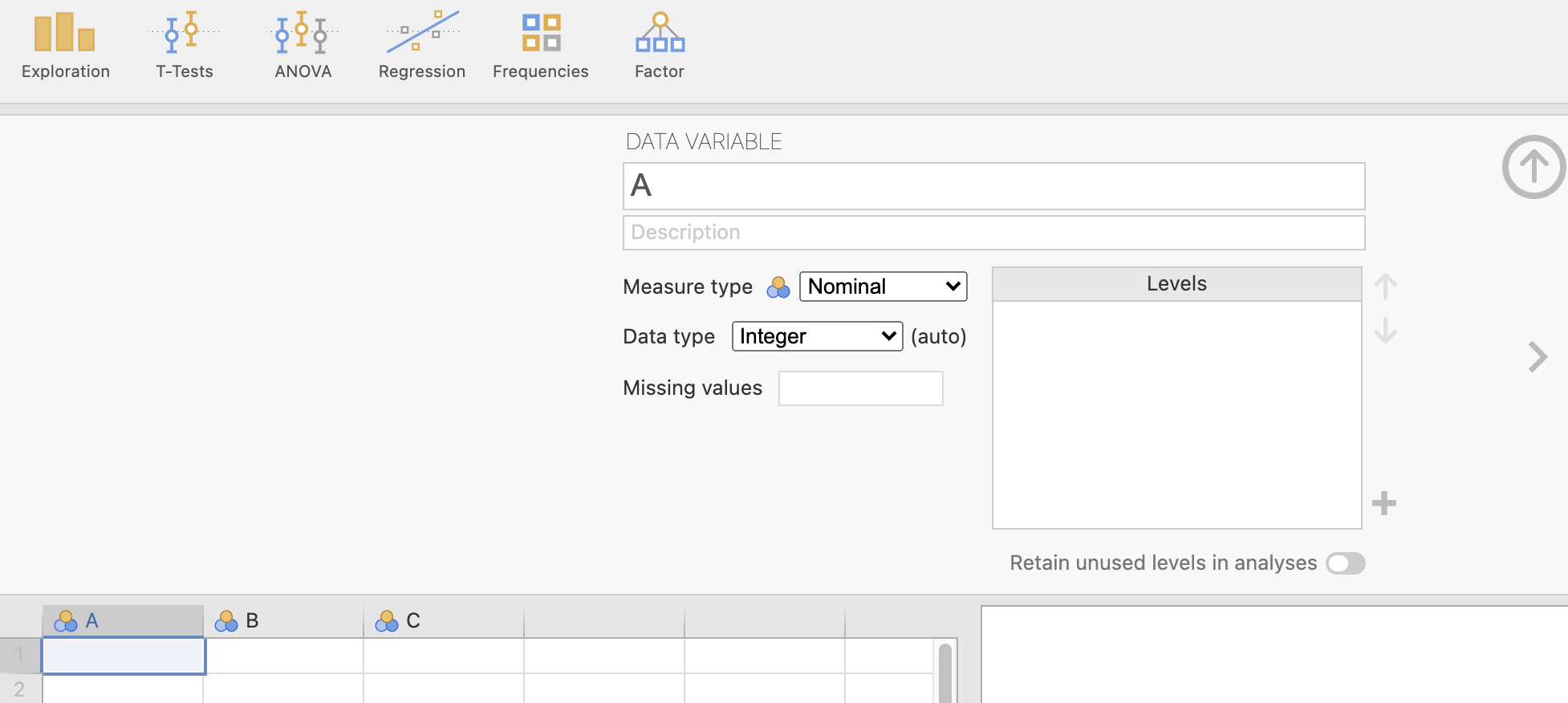
FIGURE 3.2: The information to fill in for each variable.